Newsroom
Fine Pitch or Standard: Picking the Right LED Wall Pixel Pitch for Your Bengaluru Space
P1.2 or P2.5? P4 or P6? A Bengaluru buying guide to picking LED wall pixel pitch by viewing distance, room type and budget.
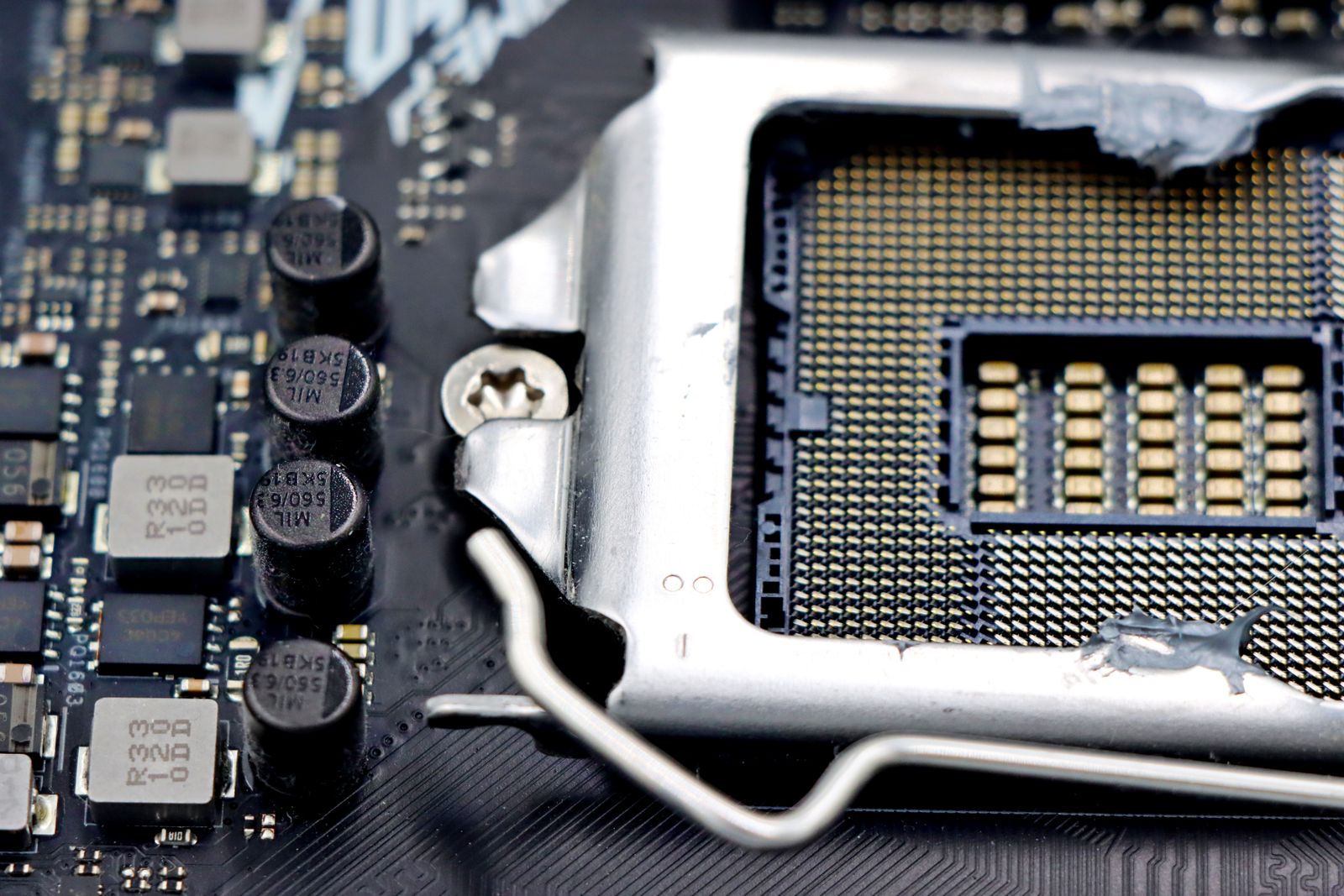
Every pixel pitch quote looks the same on paper: a number followed by "mm". But P1.2 and P6 serve completely different rooms, and picking the wrong one means either paying for resolution nobody will ever see, or installing a wall that looks grainy from the front row. Here's how to match pitch to room, honestly.
The short version
- Pixel pitch is the distance between LED centres in millimetres; smaller pitch means more pixels per square metre and a closer minimum viewing distance.
- Fine pitch (P0.9 to P1.8) suits boardrooms, control rooms and studios where viewers sit under 3 m away.
- Standard pitch (P2.5 to P4) suits lobbies, retail floors and auditoriums with viewers 3-8 m back.
- Outdoor walls rarely go finer than P2.5 to P3, since viewers stand further away and cost per sq ft rises fast below that.
- Use our LED configurator to check pitch against your actual room dimensions before you quote.
What pixel pitch actually changes
Pitch sets two things: the minimum distance at which the image looks smooth, and the price per square foot. A rough rule we use at PixelSpot: minimum comfortable viewing distance in metres is roughly the pitch in millimetres. So a P2.5 wall wants viewers at least 2.5 m back; a P1.2 wall works from 1.2 m. Closer than that, and the eye starts to pick out individual LEDs instead of a seamless image.
This is why a reception lobby with people walking past at arm's length needs a genuinely fine pitch, while a sports bar screen viewed from across the room can run coarser and cheaper without losing anything.
Indoor fine pitch: P0.9 to P1.8
Boardrooms, video walls behind a reception desk, broadcast studio backdrops, and command centres where operators sit close to the screen all call for fine pitch. At this range text stays crisp even at small font sizes, and camera close-ups don't show a visible grid. PixelSpot indoor panels run up to 600 nits, which is right for these rooms — dimmed for comfort, not fighting direct sun.
Indoor standard: P2.5 to P4
Most lobbies, retail showrooms and meeting rooms don't need P1.2. If viewers stand 3 m or further from the screen, P2.5 or even P3 looks identical to the eye and costs meaningfully less per square foot. We'd rather quote you P3 for a 20-foot lobby wall and let you spend the difference on a bigger screen than sell you unnecessary resolution.
Outdoor: P2.5 to P4, rarely finer
Outdoor walls are viewed from the road, a car park, or across a plaza — typically 6 m or more away. Going below P2.5 outdoors adds cost without adding visible benefit, since nobody stands close enough to notice the extra density. Outdoor cabinets at PixelSpot are IP65 at the front and IP54 at the rear, built for Bengaluru's rain and dust, and run up to 4,500 nits with auto-dimming after dark so the wall doesn't glare at night.
How to decide without guessing
- Measure the closest seat. Walk to where the nearest viewer will realistically stand or sit, and measure that distance to the wall.
- Match pitch to distance. Pitch in mm should be at or below that distance in metres — if people stand 2 m away, you want P2 or finer.
- Check the budget trade-off. Finer pitch costs more per square foot. If your closest viewer is 5 m away, don't overpay for P1.8.
- Confirm with a mock-up. Run the numbers through the configurator with your actual room width and height before finalising size.
The rule of thumb
Pitch in millimetres equals minimum viewing distance in metres.
Match it to your closest viewer, not sheer guesswork.
Common mistakes we see
- Buying fine pitch for a wall viewed from across a large hall, where the extra resolution is invisible past 6 m.
- Buying standard pitch for a reception desk screen that visitors stand right in front of, leaving a visibly pixelated image.
- Ignoring that content matters too — static logos and big text forgive a coarser pitch; detailed video and small fonts don't.
- Assuming outdoor pitch rules apply indoors, or vice versa — brightness and viewing distance both differ.
Pitch and price, side by side
| Pitch | Best for | Typical viewing distance |
|---|---|---|
| P0.9–P1.2 | Studios, control rooms, close-up boardrooms | 1–2 m |
| P1.5–P1.8 | Reception desks, premium showrooms | 2–3 m |
| P2.5–P3 | Lobbies, retail floors, auditoriums | 3–6 m |
| P4 and outdoor | Facades, car parks, large outdoor plazas | 6 m+ |
Every PixelSpot wall, whatever the pitch, is assembled and burn-in tested at our Jalahalli East facility before it ships, carries a 2-year pixel-to-pixel onsite warranty, and runs on PxlOS so you can push content updates without a technician visit. Pick the pitch your room actually needs, not the one that sounds most impressive on a spec sheet — the configurator will show you exactly what a given pitch looks like at your room's dimensions before you commit.
See it running. Then decide.
Send your wall size on WhatsApp for a same-day price, or see indoor and outdoor walls running at our Jalahalli East experience centre in Bengaluru.
Prices are estimates: installed, controller extra, plus 18% GST. See every price
Keep reading.
 NewsroomViewing Distance Explained: Why Pixel Pitch Alone Won't Tell You If a Wall Looks Sharp07 October 2026
 Buying guideCollege and school auditorium LED video walls. Sized from the last row.30 September 2026
 AdvertisingFrom flex to screen time. The advertiser's guide to DOOH in Bengaluru.26 September 2026