See an LED wall on your own wall.
Photograph your wall, drag four corners to where the screen should go, and see a PixelSpot LED wall on it in proper perspective. Pick the size and pixel pitch, put your logo or shop name on it, and save the picture.
Your photo stays on your phone. Nothing is uploaded.
Start with a photo of your wall
Stand back and shoot the whole wall, straight on or at an angle. Daylight works best.
Tip: mark the corners on the wall itself, using a door (about 7 ft) or a switchboard for scale. Changed the size? Tap Reset shape to redraw the outline in the new proportions. The preview is approximate; colours and brightness on your screen are not those of a real LED wall, which is far brighter.
Sizes round up to whole 320 × 160 mm modules. Final size is confirmed at the free site survey.
The estimate opens with your size, pitch and indoor or outdoor already filled in. On WhatsApp, attach the saved image so our team sees your wall.
How the preview works.
An LED wall is a big decision to make from a brochure. This tool puts one on the wall you actually have, so you can judge the size against the room, the door, the counter and the ceiling before anyone visits.
1. Your photo, in your browser
The picture is opened and drawn on your own phone or computer. It is resized to at most 1,600 pixels for speed and is never uploaded.
2. Real perspective
The four corners you place define a projective (homography) warp, the same maths a camera uses, so the screen leans and shrinks with the wall instead of sitting flat on top of it.
3. Built the way we build
The size snaps to whole 320 × 160 mm modules, and the faint grid follows your pitch: finer pitch, finer grid. Module count and resolution are exact for that build.
What the numbers mean.
The specs under the preview come straight from the size and pitch you choose. Here is how to read them.
| Number | What it tells you |
|---|---|
| Modules | Every PixelSpot wall is built from 320 × 160 mm modules. A 10 × 6 ft wall is 10 modules across and 12 high, 120 in all; 5% spare modules come free with the wall. |
| Resolution | Pixels across and down. At P2.5 each module carries 128 × 64 LEDs, so that 10 × 6 ft wall shows 1,280 × 768 pixels. Finer pitch, more pixels on the same wall. |
| Viewing distance | About 1 metre for every 1 mm of pitch for comfortable viewing. Closer than that, people start to see the dots. Our pixel pitch guide shows each pitch side by side. |
| Brightness | Indoor walls go up to 600 nits, outdoor up to 4,500 nits, with auto-dimming at night. The night view shows why: the wall stays readable while the street goes dark. |
| Protection | Indoor cabinets are IP43. Outdoor cabinets are IP65 at the front and IP54 at the rear, for Indian monsoons and dust. |
Real walls we have installed.
The sample wall in the tool is one of ours. These three projects show what the finished thing looks like, with the details of each build.
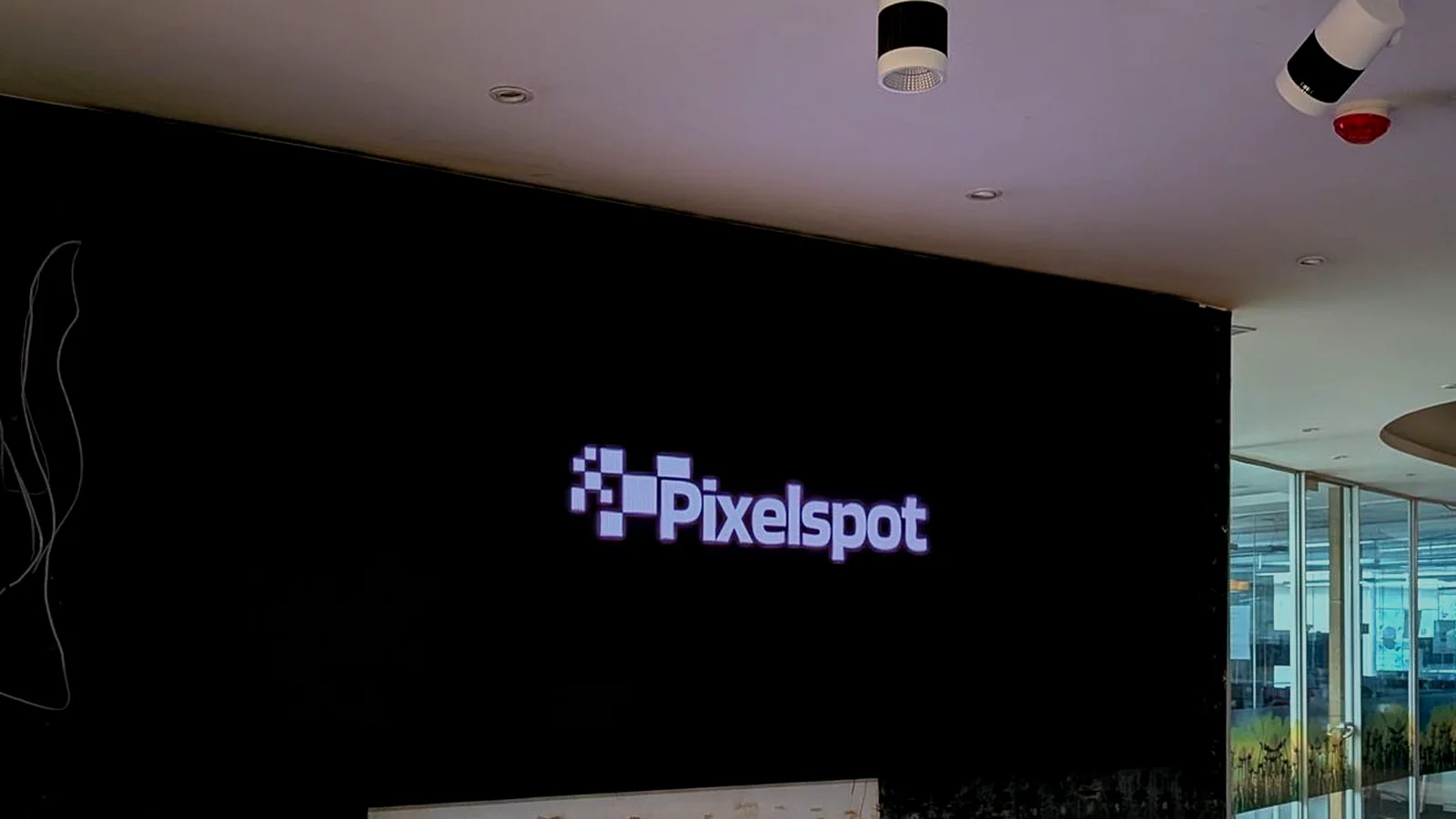 Corporate office wall
 Acai Theory, Indiranagar
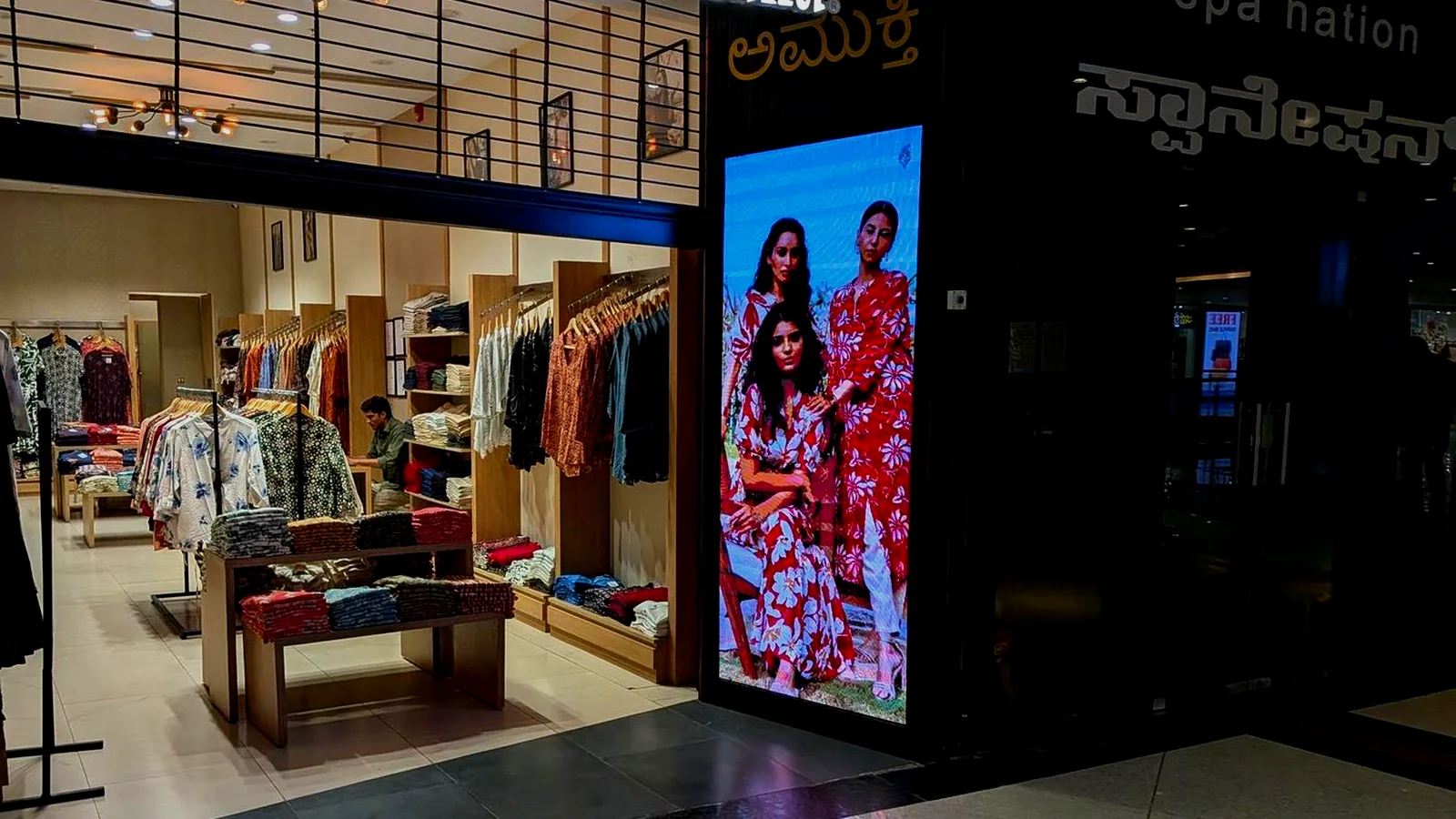 Amukti store
Go further.
Liked what you saw? These guides answer the next questions buyers ask.
Questions.
Is my photo uploaded anywhere?
No. The photo is opened and drawn inside your own browser, on your phone or computer. It is never sent to PixelSpot or to anyone else, and it is gone when you close the page unless you saved the preview yourself.
How accurate is the preview?
It is a close visual guide, not a survey. The perspective follows the four corners you mark, and the module count, resolution and built size follow exactly from the size and pitch you choose. Colour, brightness and sharpness on your screen are approximate: a real wall is far brighter, up to 600 nits indoors and up to 4,500 nits outdoors. Our free site survey measures the wall exactly.
Which pixel pitch should I choose?
A good rule of thumb is about 1 metre of viewing distance for every 1 mm of pitch. If most people will be 2.5 m away, P2.5 looks smooth; closer than that, go finer, P1.5 to P2.0. Outdoor screens seen from across a road usually suit P4 to P6. Tap Suggest a pitch in the tool, or read our pixel pitch guide.
Why is the built size a little different from what I typed?
An LED wall is built from 320 x 160 mm modules, so the size rounds up to the next whole module. A 10 x 6 ft wall becomes 10 x 12 modules, which is 3,200 x 1,920 mm, about 10.5 x 6.3 ft. The site survey confirms the final size against your actual wall.
How do I get a price for the wall I previewed?
Tap Get your estimate. The configurator opens with your size, pixel pitch and indoor or outdoor already filled in, gives you an estimate, and our team calls with the best price. You can also send the preview to us on WhatsApp at +91 72048 08334.
Like it on your wall?
Get an estimate for the exact wall you previewed, or come and see one switched on before you decide.
WhatsApp +91 72048 08334 · Call 080 4728 2918
Experience centre: No 3, Krupa Complex, Gangamma Circle, Church Road, Jalahalli East, Bengaluru 560013 · Mon–Sat, 9 AM–7 PM