Buying guide
Digital signage in Bengaluru: posters, TVs or LED displays?
Menus, offers, token numbers, lobby welcomes. Every business talks to customers on its walls. How to pick the right medium for each spot, without overspending.
Every business in Bengaluru already runs signage. The menu above the counter, the offer on the door, the token number at the clinic, the welcome in the lobby. Digital signage is simply those messages on a screen you can change from a phone. The hard part is choosing which screen for which spot, and knowing where print is still the smarter buy.
The short version
- Print is fine for messages that rarely change and are read up close.
- A TV or commercial LCD suits indoor spots read from 1 to 3 m, out of direct light: counters, waiting rooms, meeting rooms.
- A digital standee belongs where people enter. It is freestanding, portrait and plug-and-play.
- An LED wall is for anything bigger than a TV, anything that must be seamless, and anything that fights daylight.
- Run every screen from one system. PxlOS drives LED walls, standees and the TVs you already own.
What does your business need to say, and where?
Before you look at a single product, list your messages. Each one has a place, a reading distance and a pace of change. Those three decide the medium.
| Message | Where it lives | Read from | Changes |
|---|---|---|---|
| Menu and prices | Counter, café front | 1 to 5 m | Daily to weekly |
| Offers and new arrivals | Shop window, entrance | 3 to 10 m, walking past | Weekly, and every festival |
| Queue and token numbers | Clinics, banks, service centres | 2 to 8 m, seated | Every few minutes |
| Welcome and news | Office or hotel lobby | 3 to 6 m | Daily |
| Events and schedules | Wedding halls, colleges, temples | 5 to 20 m | Every event |
A message that changes once a year and is read from a metre away does not need a screen. A message that changes every hour and must be read from across a hall does.
When is a printed poster still the right answer?
Be honest about this, because a screen you don't need is money on the wall. Print is the right call for your name board, directions, safety notices and anything else that stays the same for a year. It needs no power, no software and no login.
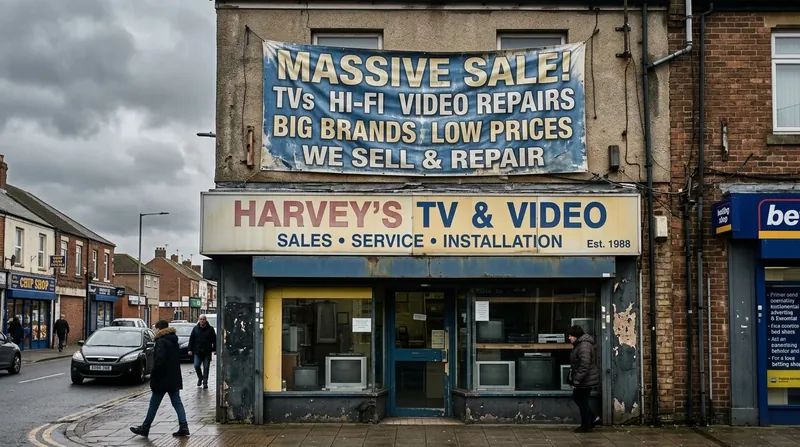
Print starts losing when the message changes often. Every new offer means a design, a print run, a fixing charge and a day or two of delay. Printed boards also fade into daylight glare and rely on tube lights at night. If you reprinted your window more than a handful of times last year, add up those bills; that is the budget a screen replaces. Our piece on why shops go unseen from the street covers the glare problem in detail.
When does a TV or commercial LCD make sense?
A TV-sized display is the right tool for indoor spots where people stand close and the light is controlled: a menu above a café counter, a token display in a waiting room, a notice screen in a staff area. It is familiar, easy to replace, and a PixelPlayer turns it into a managed signage screen.
Three cautions before you buy one:
- Home or commercial. A home TV is designed for a few hours a night in a living room. Signage often runs 10 to 14 hours a day. Ask whether the warranty covers commercial use.
- Daylight. A TV facing a street window turns into a dark mirror in the afternoon.
- Size. Once you need something bigger than one TV, a grid of TVs brings bezels through the picture. Our comparison of LED walls, projectors and LCD video walls covers that choice properly.
Where does a digital standee fit?
A standee is a portrait screen on its own stand. It goes where people arrive: a shop entrance, a hotel reception, a clinic lobby, an exhibition stall, a wedding hall foyer. Because it is freestanding, it moves with the crowd. Put it at the door for the festive sale, then at the billing counter the week after.
Indoor spots with normal lighting suit an LCD display standee. Brighter spots, and anything outside, need an LED standee, which comes in outdoor IP65 models too. Standees are plug-and-play: no frame, no civil work, no installation day.
When is an LED wall the right call?
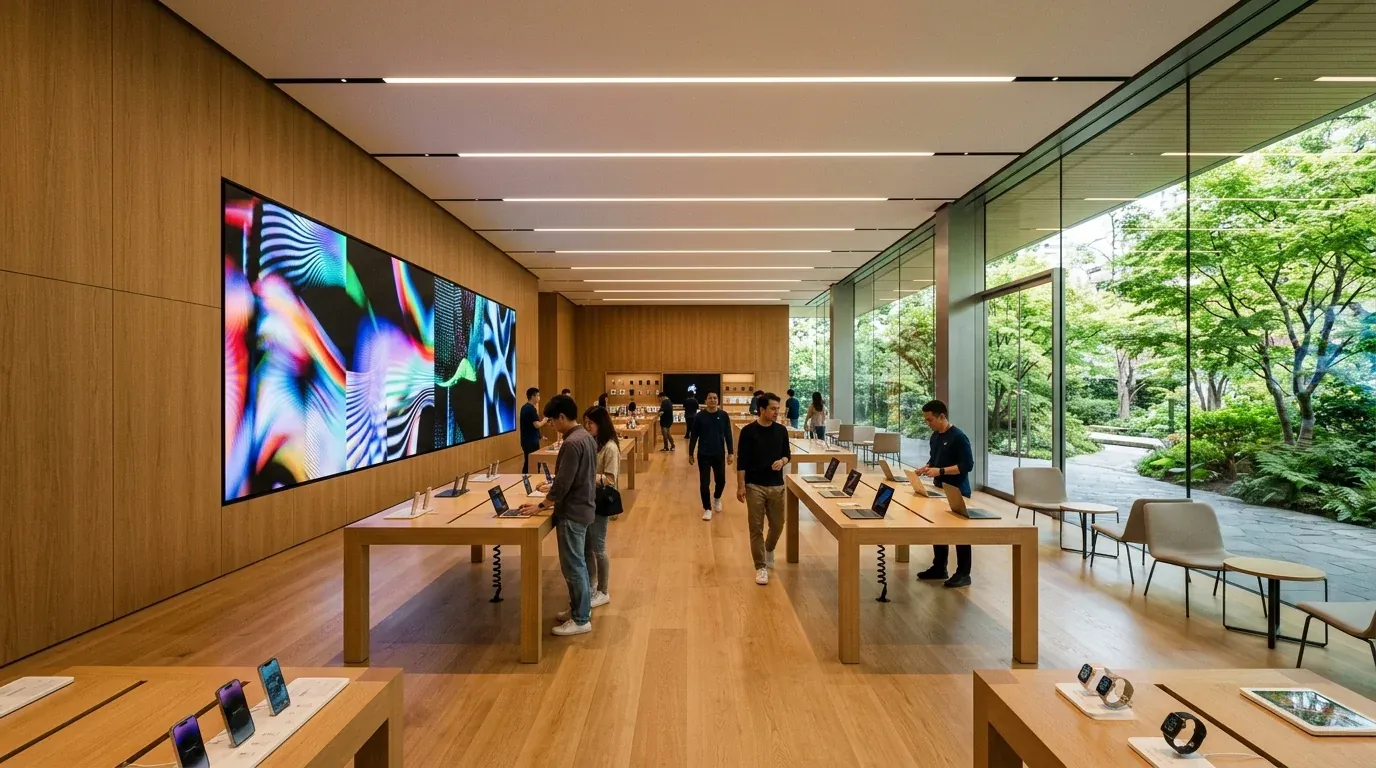
An LED wall does three things no TV can. It scales to any size and shape, from a portrait pillar at a mall entrance to a full storefront. It is seamless, with no bezels crossing faces or prices. And it can be built bright enough for daylight behind glass or full sun outdoors, with auto-dimming at night.
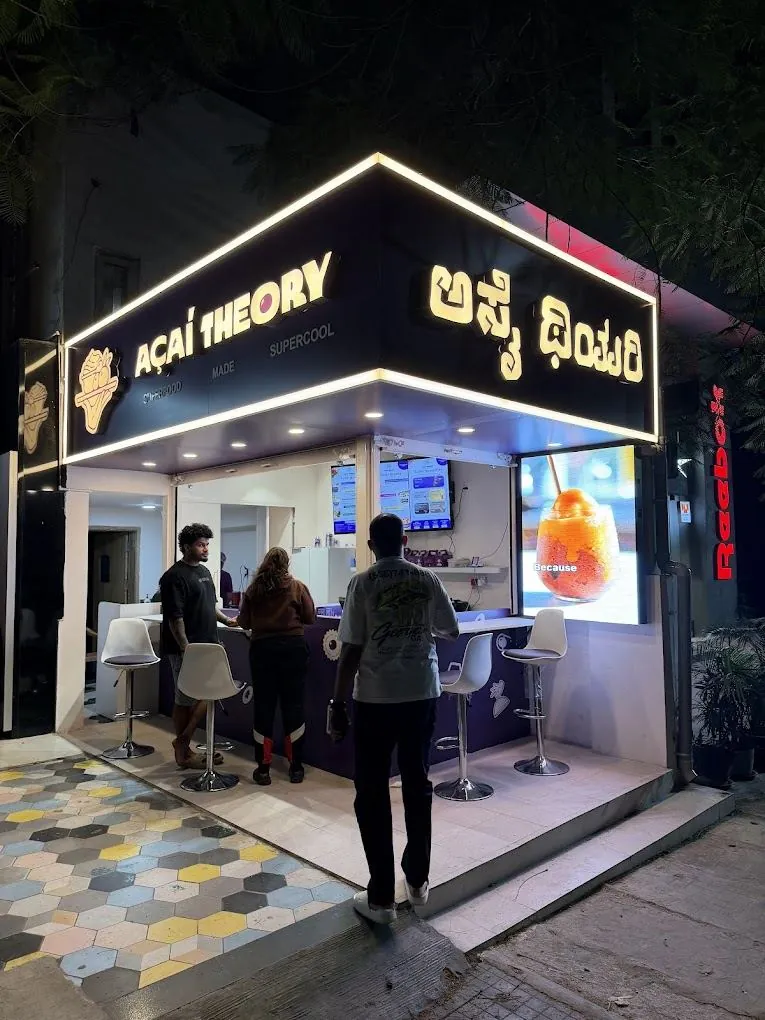
That makes it the medium for storefronts, lobbies, showrooms and halls. At Amukti's store entrance, a portrait LED display replaced a printed lightbox. At Açaí Theory in Indiranagar, an outdoor LED screen carries the menu on an open café front. For shops that need a simpler scrolling or full-colour board, see our LED display boards. What that café learned about sunlight, rain and menu changes is in five lessons in café LED signage.
Print, TV, standee or LED wall: side by side
| TV or LCD | Digital standee | LED wall | ||
|---|---|---|---|---|
| Best for | Messages that never change | Counters, waiting rooms | Entrances, receptions, events | Storefronts, lobbies, halls |
| In daylight | Fades into glare | Washes out near windows | LED models hold up | Built to the brightness you need |
| Size | Any, but fixed | Up to one TV | One portrait screen | Any size or shape, seamless |
| Changing it | Reprint and refit | From a phone, with PixelPlayer | From a phone | From a phone, on PxlOS |
| Watch out for | Reprint bills and delays | Home TVs on long hours | Placing it in the walkway | Wrong pitch for the distance |
Digital signage
Right message. Right screen. Right spot.
Most businesses need a mix: print where nothing changes, a screen at the counter, an LED wall where the street can see it.
How do you run every screen from one place?
The mistake we see most often is buying screens one at a time, each with its own USB stick and its own remote. Six months later, nobody remembers which screen shows what.
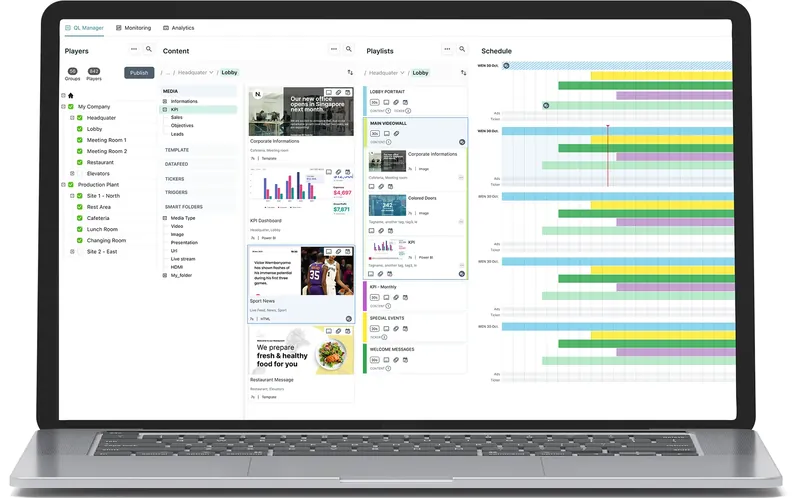
PxlOS, PixelSpot's cloud CMS, fixes that. Every PixelSpot LED wall runs on it. PixelPlayer, a small box behind the screen, brings standees and the TVs you already own onto the same system. You group screens, push a playlist once, and schedule it by time of day, from a phone. If the internet drops, content keeps playing from the player's storage. And if you ever sell ad slots on a screen, nothing plays without your approval. What to put on those screens, and for how long, is in our content playbook for retail LED displays. Buying slots on other people’s screens is the other side of that; the advertiser's guide to DOOH covers it.
How to plan digital signage for your business
- List every message. Use the table at the top: what it says, where it lives, how often it changes.
- Stand at each spot at the busiest hour. Note the distance people read from and the light at 3 pm.
- Match the medium. Print for the permanent, a TV for the close and indoor, a standee for the entrance, an LED wall for the big or bright.
- Size the LED parts properly. The size calculator helps, and PixelSpot's free survey and 3D mockup show the wall in your space before you pay.
- Decide who updates it. Name one person, and a day each week, for content.
Where to go next
Good signage is not about the size of the screen. It is the right message, on the right medium, in the right spot. For the parts of your business that need an LED wall, the LED wall price guide has every size and pitch.
Questions? Answers.
What counts as digital signage for a small business?
Is an LED wall better than a TV for digital signage?
Can I use the TVs I already have as digital signage?
How much does digital signage cost in Bengaluru?
Does digital signage need an internet connection?
See it running. Then decide.
Send your wall size on WhatsApp for a same-day price, or see indoor and outdoor walls running at our Jalahalli East experience centre in Bengaluru.
Prices are estimates: installed, controller extra, plus 18% GST. See every price