Advertising
Content for retail LED displays. What to play, and for how long.
A great wall with bad content is an expensive poster. How Bengaluru shops design for real pixels, readable text, short loops and the festive calendar.
The wall is the easy part. What plays on it decides whether anyone looks twice. Too many retail screens end up running the same brand video for months, while the ones that get noticed behave like a shop window that changes every day. This is the playbook we hand our own customers in Bengaluru.
The short version
- Design at your wall's real resolution. A 10 × 6 ft P2.5 wall is about 1,220 × 730 pixels, smaller than a Full HD TV.
- Keep the smallest text at least 20 pixels tall, and bigger as the reading distance grows.
- One message per slide, on screen for 6 to 10 seconds. Keep street-facing loops short.
- Change the message with the time of day in PxlOS, and load festival content weeks ahead.
- Dark backgrounds, bright text. Easier to read, kinder at night, lighter on the power bill.
What resolution does your LED wall really have?
An LED wall is not a 4K TV stretched to size. Its resolution is simply its size divided by its pixel pitch. Take the width in millimetres, divide by the pitch, and you have the pixels across. A 10 ft wall is 3,048 mm wide, so at P2.5 it is about 1,220 pixels across. At 6 ft tall it is about 730 pixels high.
| Wall | Pitch | Approximate pixels | Design canvas |
|---|---|---|---|
| 6 × 4 ft | Indoor P2.5 | 730 × 490 | Smaller than an HD frame |
| 10 × 6 ft | Indoor P2.5 | 1,220 × 730 | Close to HD (1,280 × 720) |
| 10 × 6 ft | Indoor P1.8 | 1,690 × 1,015 | Just under Full HD |
| 12 × 8 ft | Indoor P2.5 | 1,460 × 975 | Between HD and Full HD |
| 10 × 6 ft | Outdoor P4 | 760 × 460 | Very few pixels: big type only |
Rounded. The exact figure depends on the cabinet layout; ask for your wall's pixel map at handover.
Three rules follow from this. Export every image and video at the wall's exact pixel size, so fine text isn't scaled and blurred. Respect the shape: a 10 × 6 ft wall is 5:3, not 16:9, so a TV advert either gets black bars or loses its edges. And if your wall is portrait, shoot and design portrait. The indoor P2.5 wall most shops buy rewards simple, bold layouts.
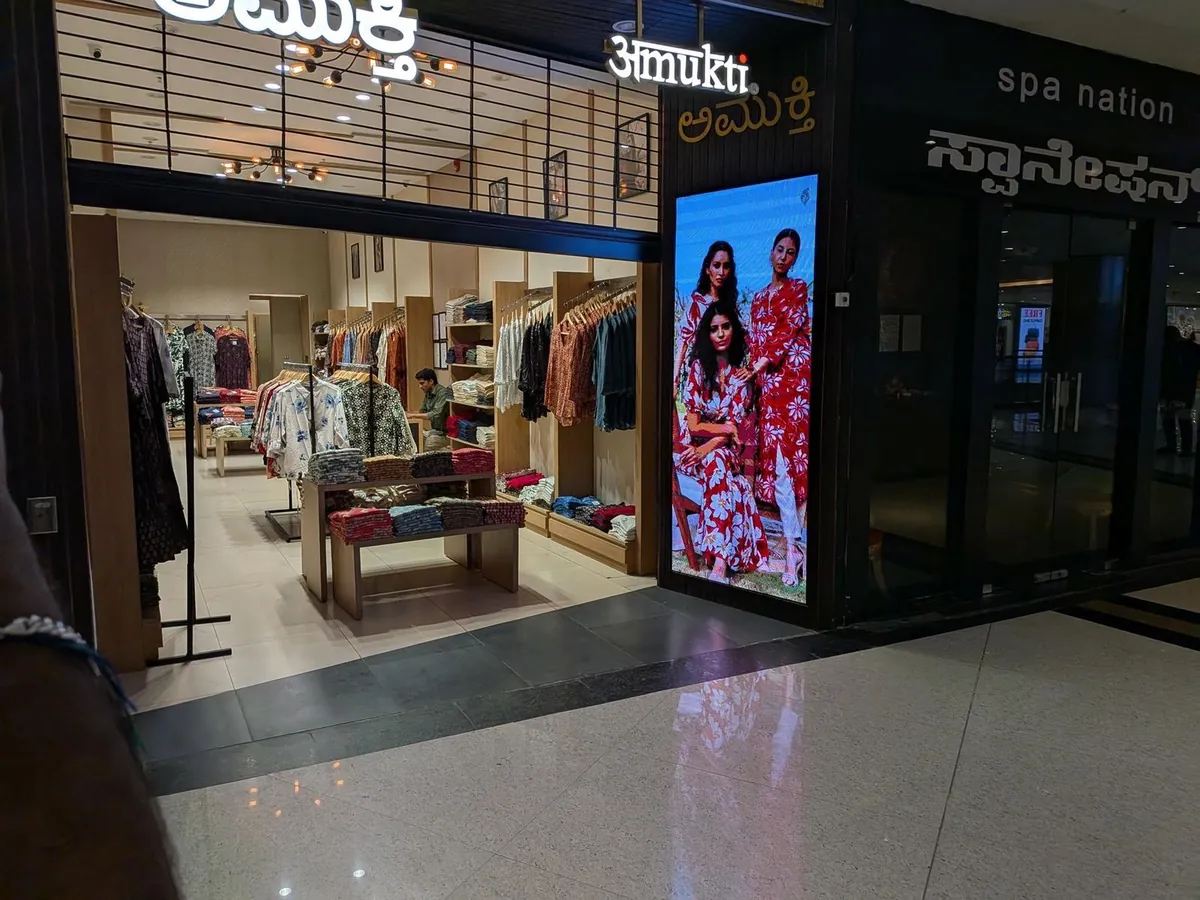
How big should text be on a retail LED display?
Two limits apply, and the stricter one wins.
The distance limit
A common sign-maker's rule of thumb is about 2.5 cm of capital-letter height for every 3 m of reading distance. Your price at the counter, read from 3 m, can be modest. Your offer on a facade, read from 12 m across the road, needs capitals around 10 cm tall. Double that for people reading from a moving vehicle.
The pixel limit
Letters need enough pixels to form cleanly. Below about 20 pixels tall, curves go jagged and thin strokes flicker. On a P2.5 wall, 20 pixels is 5 cm. On an outdoor P4 wall it is 8 cm. So even at close range, never go smaller than that. The viewing distance calculator shows where your customers will stand.
Write like a billboard, not a brochure. One headline of seven words or fewer, one price, one call to action. If a slide needs a paragraph, it belongs on a leaflet at the counter.
How long should each message stay on screen?
Hold each slide for 6 to 10 seconds. That is long enough to read a short line twice and short enough that the next person walking up sees something new.
Loop length depends on how long people spend in front of the wall.
- Street-facing screens. Passers-by give you a few seconds. Keep the loop to four to six slides, and bring your main offer back every 30 to 40 seconds.
- In-store and queue screens. People waiting at a billing counter watch for minutes. A longer loop of two to three minutes works, as long as the main offer appears at least twice.
- Movement. Use slow pushes and gentle transitions. Flashing, strobing slides look cheap, tire the eye, and on a road-facing screen can distract drivers.
How do you change content by time of day with PxlOS?
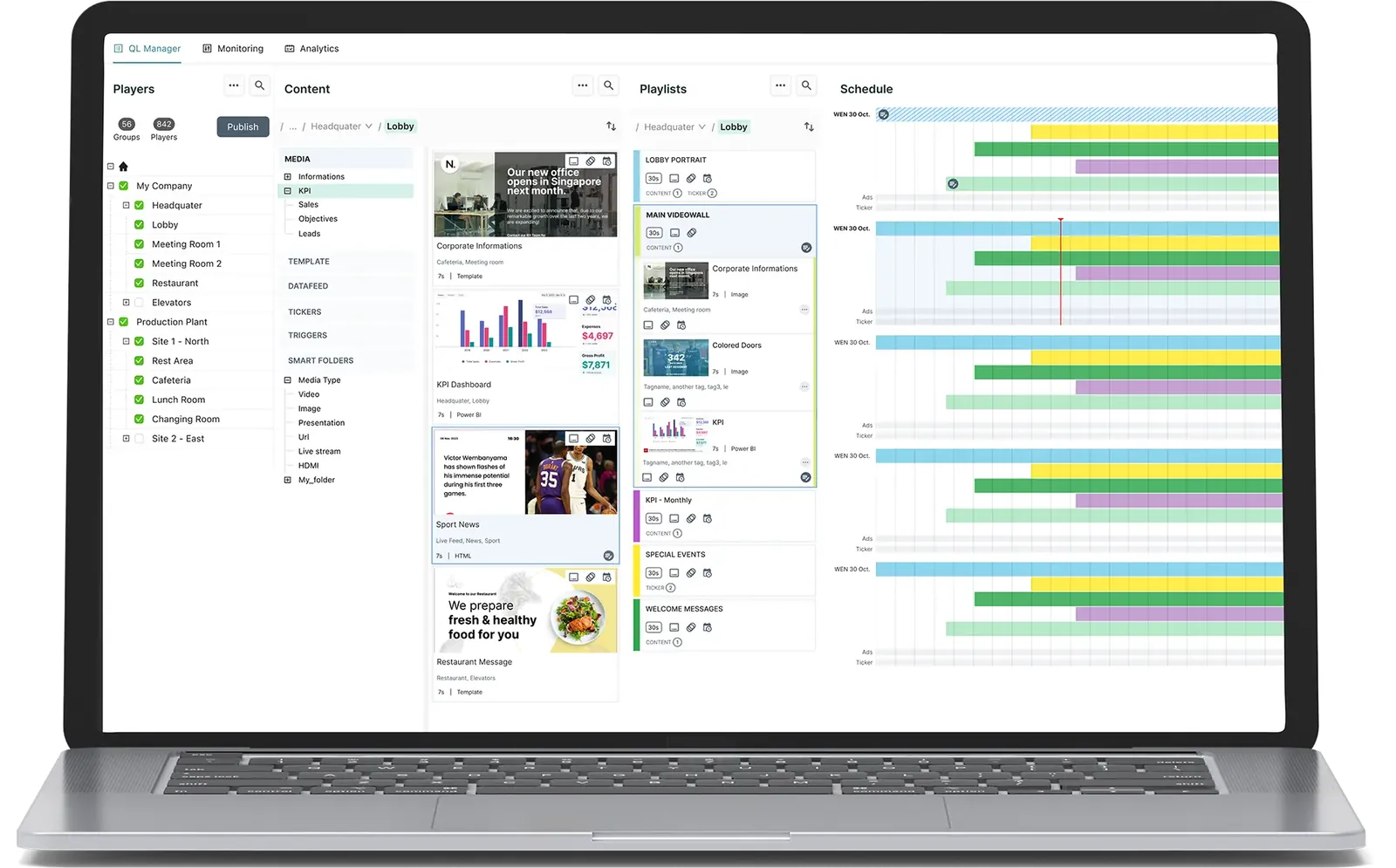
A shop at 8 am is not the shop at 8 pm. PxlOS, PixelSpot's cloud CMS, lets you schedule playlists by time of day, day of the week and date, from a phone. If the internet drops, the player keeps running from its onboard storage. Here is a hypothetical schedule for a bakery-café on a Malleshwaram main road.
| Time | What plays | Why |
|---|---|---|
| 7 am to 11 am | Coffee and breakfast combo, with prices | Commuters decide in seconds |
| 11 am to 4 pm | Lunch menu, cold drinks | Office crowd, afternoon heat |
| 4 pm to 8 pm | Snacks, cake of the day, weekend orders | Families and school pick-ups |
| 8 pm to close | Tomorrow's special, calm brand film, dimmed | Fewer people, no glare |
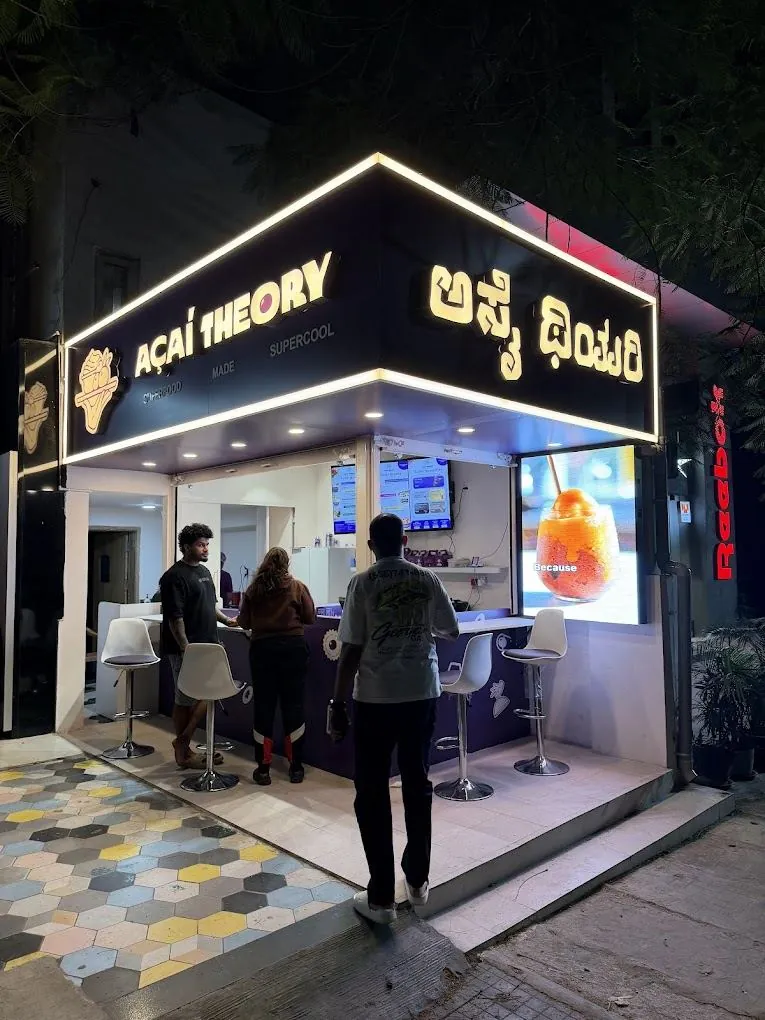
The same wall can run a different plan on weekends. PixelPlayer puts any screen you own on PxlOS, so the standee at the door and the TV at the counter follow the same schedule. For a real café that runs its menu this way, read five lessons in café LED signage from Açaí Theory in Indiranagar.
Festive season
Plan it in September. Forget the ladder in October.
Load festival creatives early, set start and end dates in PxlOS, and the wall changes itself.
A festive content calendar for Karnataka retail
In Karnataka, the festive year drives retail. Dates move with the lunar calendar, so check them each year and schedule start and end dates in PxlOS about four weeks ahead.
| Occasion | Usually | What to play | Suits |
|---|---|---|---|
| Sankranti | Mid-January | Harvest colours, gifting, sweets | Sweet shops, apparel, homeware |
| Ugadi | March or April | New-year offers, new collections | Apparel, jewellery, electronics |
| Varamahalakshmi | August | Silk sarees, gold, puja essentials | Saree and jewellery stores |
| Dasara | September or October | Navaratri colours, new purchases on Vijayadashami | Apparel, vehicles, electronics |
| Diwali | October or November | Lamps, gifting, festive combos | Almost every shop |
| Wedding season | November to February, and auspicious dates | Bridal edits, gifting, bulk orders | Jewellery, silks, sweets, photographers |
For Diwali, walls need to be ordered by early October to be installed in time, and festive-season orders include Diwali creatives sized for your screen. See the Diwali LED display page for this year's timeline. Kannada Rajyotsava on 1 November is a good day for Kannada-first creatives, and many shoppers read Kannada before English all year round. Jewellers have one more rule: the wall must be calibrated so gold on screen matches gold on the counter; the jewellery showroom buying guide explains how.
What should you never play on a retail LED display?
- Your printed poster, pasted in. Fine print designed to be read at 30 cm is invisible at 3 m.
- White backgrounds at night. They glare, make the wall look like a lamp, and burn power. A black background with bright text uses a fraction of the energy; our power consumption guide has the numbers.
- Long scrolling tickers. Nobody walking past reads a sentence that crawls.
- Expired offers. A Diwali offer in December tells people nobody is minding the shop. Set end dates.
- One static logo for months. It wastes the screen, and a single image left up for very long periods can leave a faint ghost. Rotate content.
- A tiny QR code. Test it with your own phone from where customers actually stand.
A weekly routine that keeps the wall fresh
- Pick two things to push. On Monday, check what is overstocked, new or high-margin.
- Make the slides at wall resolution. One message each, big type, dark background.
- Schedule them in PxlOS. Set dayparts and an end date for every offer.
- Walk outside and look. Check the wall at 3 pm and 8 pm, from where customers stand.
- Measure one thing. Run an offer shown only on the screen and count who asks for it. Our LED wall ROI framework turns that count into a business case.
Where to go next
Still choosing the wall itself? Start with why shops go unseen from the street, then size your screen in the LED wall configurator. Good content is what turns that screen into a reason to walk in.
Questions? Answers.
What resolution should I design LED wall content at?
How long should a video loop be on a shop display?
Do you design the content for us?
How far ahead should we plan festive content?
See it running. Then decide.
Send your wall size on WhatsApp for a same-day price, or see indoor and outdoor walls running at our Jalahalli East experience centre in Bengaluru.
Prices are estimates: installed, controller extra, plus 18% GST. See every price