Technology
LED display technology. How it works, and why it gets noticed.
What is inside an LED display, from the diode to the cloud, and why a screen that makes its own light and moves gets seen where a printed board is passed by.
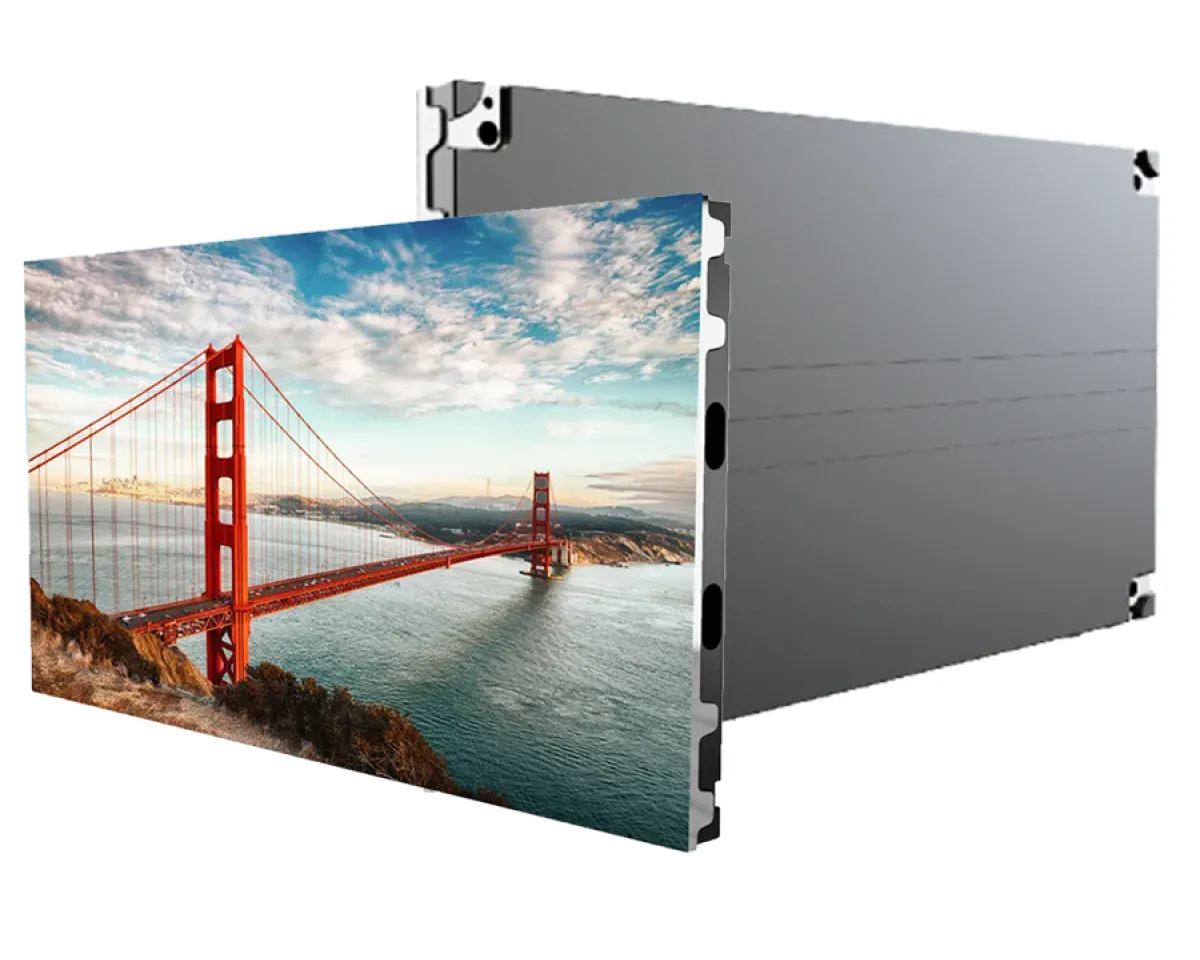
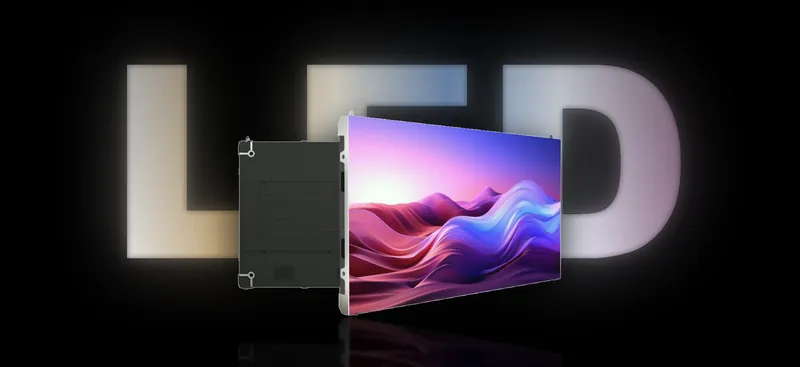
A printed board says one thing, for as long as the flex lasts, and only when light falls on it. An LED display makes its own light, moves, and can say something different at 9 am and 9 pm. That difference is the whole case for LED display technology on a shopfront, in a showroom or on a building. Here is what is inside one, layer by layer, and why people notice it.
The short version
- An LED display is built in layers: diodes on modules, modules on cabinets, cabinets fed by receiving cards and a controller, and content from a cloud system like PxlOS.
- It makes its own light, so it stays readable in daylight and at night, and it dims itself when the sun goes down.
- It moves and it changes. A printed board can do neither, which is why it fades into the street.
- One screen can run your breakfast menu at 8 am, your offer at 6 pm and a festival campaign next week, without a reprint.
- A starter 6 × 4 ft indoor wall is about ₹1,64,000 + GST with the controller included.
How is an LED display built?
From across the road an LED wall looks like one big screen. Up close it is a stack of simple parts, each doing one job. Knowing them helps you read a quote, and tells you what gets serviced when something goes wrong.
1. The diode
Every pixel is a tiny red, a green and a blue LED sitting together. Mixed at different strengths, they make any colour, and at full strength they make white. Indoor walls and most outdoor walls use SMD packages, with all three chips sealed into one small package. Some coarse outdoor walls use DIP, where three separate lamps are pushed through the board; at PixelSpot that is outdoor P5.
The spacing between pixels is the pixel pitch, the P-number on every quote. It decides how close people can stand and much of the price. It has its own page: pixel pitch, explained.
2. The module
Pixels are soldered onto a circuit board called a module. On most walls it measures 320 × 160 mm. A P2.5 module carries 128 × 64 pixels, 8,192 in all, with driver chips on the back that switch every LED thousands of times a second. How fast they switch is the refresh rate, which decides whether the wall flickers on camera; our refresh rate explainer covers it. Modules are also the part that gets swapped when a pixel dies, which is why every PixelSpot wall ships with 5% spare modules from the same production batch.
3. The cabinet
Modules mount onto cabinets or a steel frame, the building blocks of the wall. Indoor cabinets are 640 × 480 mm. Outdoor cabinets are larger, 960 × 960 mm or 1,280 × 960 mm, and sealed to IP65 at the front against Bengaluru’s monsoon, with IP54 at the rear. Front-service die-cast cabinets let a technician lift modules off from the front with magnets, which matters when the wall sits flat against a building. Rear-service walls need space behind them for the technician.
4. Power supplies and receiving cards
Inside each cabinet, power supplies turn mains electricity into the low voltage the modules run on. A receiving card takes that cabinet’s share of the picture and tells each module exactly what to show.
5. The controller
The sending controller, Novastar or Huidu on PixelSpot walls, takes video from a player or a laptop, cuts it into pieces and sends each cabinet its piece over network cable. The controller model is named on every quote, so you can compare like with like.
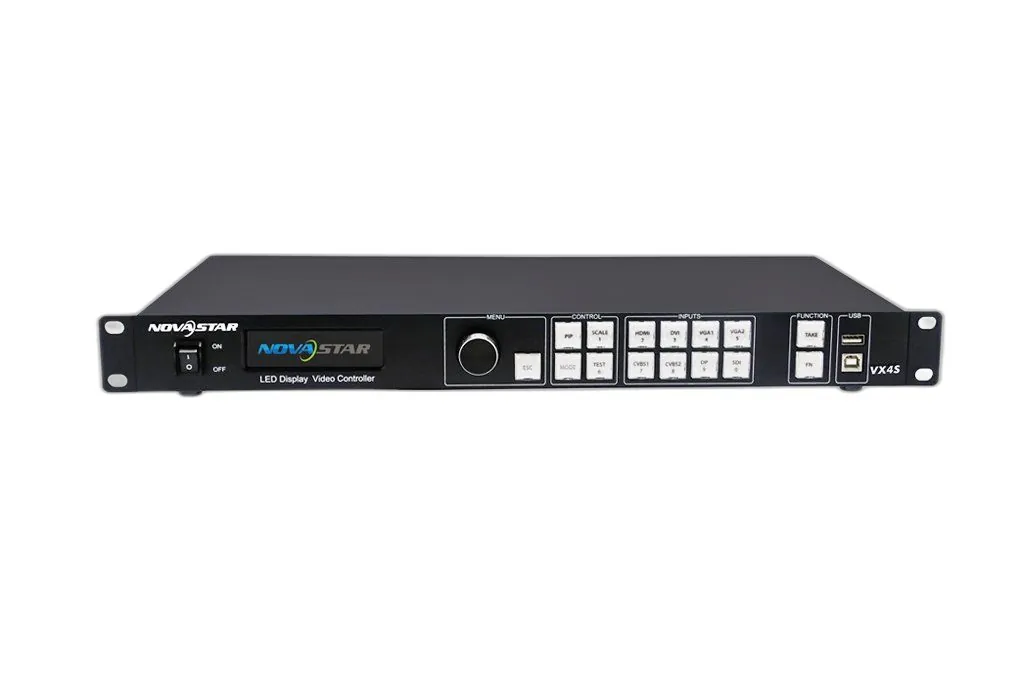
6. PxlOS, the content layer
PxlOS is PixelSpot’s cloud content system. You upload a video or an image, build a playlist and schedule it by time of day, all from your phone. That last layer is what turns a bright screen into an advertising tool.
LED display, LCD wall or printed board: what is the difference?
An LCD video wall is a grid of backlit panels, each with a bezel, so thin black lines cross every image. LCDs also struggle in bright daylight. An LED wall has no bezels, can be built to almost any size in module steps, and outdoors ours reach up to 4,500 nits. Our LED wall vs LCD video wall comparison goes into the detail. At a Bengaluru corporate office, a fine-pitch LED wall in the cafeteria replaced a projector washed out by skylights and a TV grid with bezels.
A printed flex or lightbox is the other comparison, and the one most shop owners are really making. Flex only reflects the light that reaches it. A lightbox glows, but evenly and flatly, and says one thing until you pay to reprint it. At Amukti’s store in a Bengaluru mall, a portrait fine-pitch LED display built into the entrance pillar replaced exactly that kind of printed lightbox, and PxlOS now schedules the collection videos.
Why does a moving, self-lit display get noticed?
It makes its own light
A printed board depends on the light around it. At noon it competes with the glare off everything else; at night it needs floodlights. An LED display controls its own brightness: up to 4,500 nits outdoors on our walls, readable in Bengaluru daylight, and automatic dimming after dark so it stays readable without dazzling the street.
Movement catches the eye
Human vision is built to notice motion, especially at the edge of what we are looking at. A still board quickly becomes part of the street, something the eye passes over on the tenth day. A slow, well-made loop keeps drawing a glance, day after day. That is not a statistic; it is how eyes work.
It changes with the day
A café can run breakfast until 11, lunch combos until 3 and evening offers after 6, on the same screen, scheduled once. A jeweller can switch to wedding-season collections in a weekend. A festival campaign for Ugadi, Dasara or Diwali goes live without a printer, a fitter or a ladder.
One screen, many messages
A printed board is one message. A screen is a rotation: your offer, your brand film, a customer review, today’s price. A well-placed outdoor screen can even carry other brands’ slots between yours; that is what our DOOH marketplace is for. Buying those slots as an advertiser is covered in the advertiser's guide to DOOH in Bengaluru.
Print vs LED
Print says one thing. A screen says the right thing.
Change the message by the hour, from your phone, without a reprint.
What makes LED advertising work on the day?
The hardware is half the job. The other half is content made for the wall and the distance it is read from. A few rules we give every owner:
- Design at the wall’s own pixel resolution, not a random video size.
- One message per slide, in large type that reads from the nearest viewer’s distance.
- Dark backgrounds with bright text: easier to read, and they use less power.
- Schedule by time of day, so the screen talks about what you are selling right now.
- Keep a calm still for after closing time.
For more on this, read our guide to content for retail LED displays.
What does it cost to start?
Prices are installed and include PxlOS, 5% spare modules and the 2-year pixel-to-pixel onsite warranty. A 6 × 4 ft indoor P2.5 wall is about ₹1,64,000 + GST with the controller. A 10 × 6 ft indoor P2.5 wall is about ₹3,94,000 + GST, and a 10 × 6 ft outdoor P4 wall for a shopfront about ₹3,56,500 + GST, both with the controller. GST is 18%, and a registered business can claim it as input credit.
A printed board is a cost you repeat every time the message changes. A screen is a surface you own and rewrite whenever you like. When you have a wall in mind, the LED wall configurator prices it in about a minute.
Questions? Answers.
How does an LED display work?
Is an LED display better than a printed flex board for advertising?
What is the difference between an LED and an LCD video wall?
Can I change the content on an LED display from my phone?
How long does an LED display installation take?
See it running. Then decide.
Send your wall size on WhatsApp for a same-day price, or see indoor and outdoor walls running at our Jalahalli East experience centre in Bengaluru.
Prices are estimates: installed, controller extra, plus 18% GST. See every price